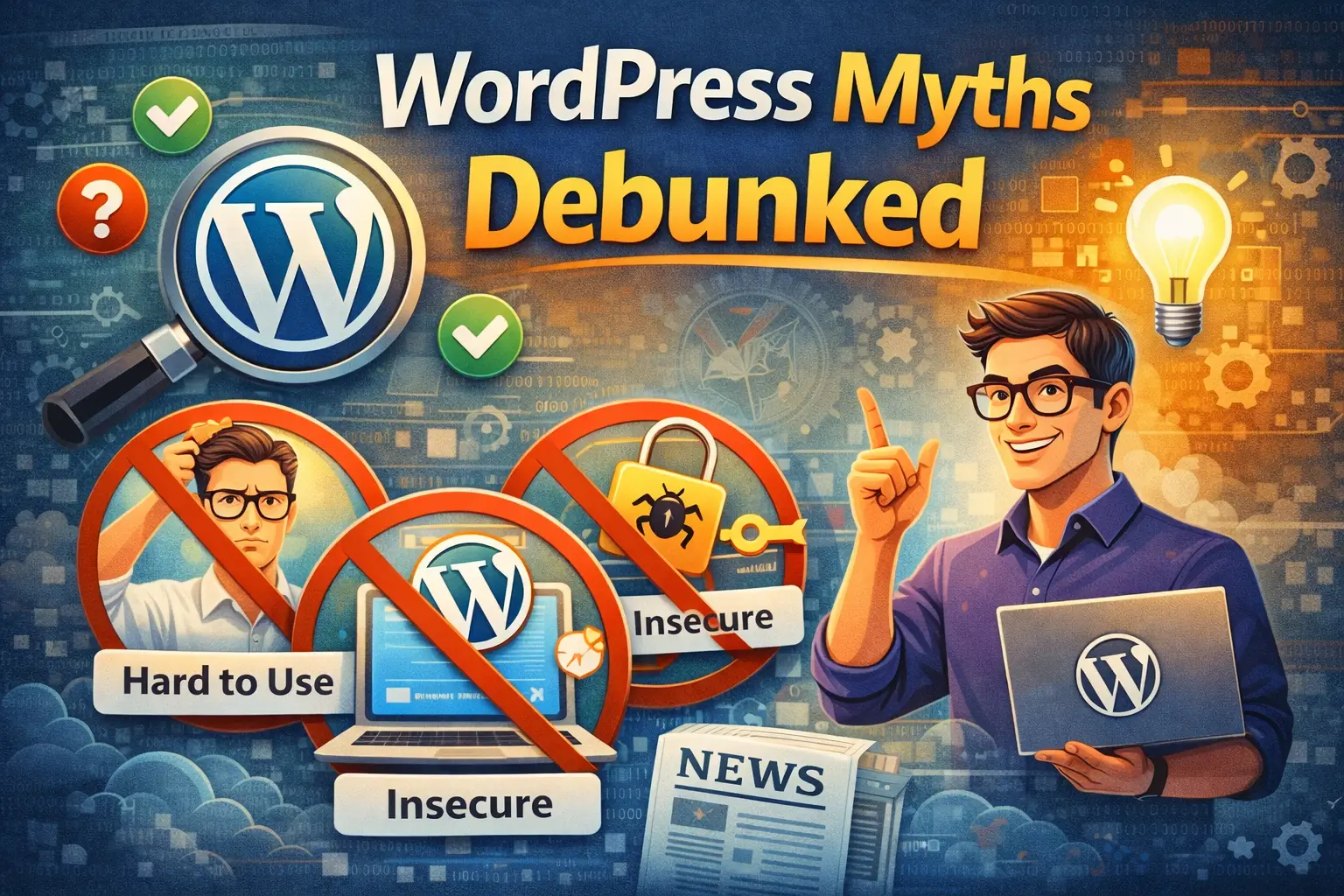
Key Takeaways: WordPress Myths Debunked
- WordPress is not just for blogs; it's a versatile platform for all types of websites.
- WordPress security depends on user practices, not inherent flaws.
- WordPress is user-friendly, especially with visual builders and extensive support resources.
- WordPress is SEO-friendly and can be optimized for top search engine rankings.
- WordPress speed can be optimized with proper techniques and hosting.
- WordPress is scalable and can handle large, high-traffic websites.
- WordPress is suitable for businesses of all sizes, including enterprises.
- WordPress offers endless design possibilities with diverse themes and customization.
- WordPress remains a relevant and actively developed platform.
- You don't need to know code to use WordPress effectively.
WordPress Myths Debunked
WordPress is often misunderstood. It's a platform that's been around for a while, and like anything that sticks around, myths and misconceptions tend to accumulate. Let's bust some common myths and reveal the truth about this powerful platform. We'll cover everything from security concerns to its perceived limitations, and show why WordPress is still a top choice for millions.
Myth #1: WordPress is Only for Blogs
The Origins of the Myth: WordPress's blogging roots.
WordPress started as a blogging platform. That's undeniable. Its initial focus was on providing a simple and effective way for people to share their thoughts and ideas online. This history is deeply ingrained in the platform's DNA, and it's the primary reason why many people still associate WordPress solely with blogging.
Beyond Blogging: Showcasing diverse websites built with WordPress (e.g., e-commerce, portfolios, membership sites).
However, WordPress has evolved dramatically. Today, it's a full-fledged content management system (CMS) capable of powering virtually any type of website. You can build e-commerce stores, stunning portfolios, feature-rich membership sites, online courses, and much more. The possibilities are truly endless.
Think about it: you can sell products, showcase your creative work, build a community around your brand, or offer online education. WordPress provides the foundation; you provide the vision.
Plugins and Themes: How they extend WordPress's functionality.
The key to WordPress's versatility lies in its extensive library of plugins and themes. Plugins are like apps that add specific features and functionalities to your website. Want to accept payments online? There's a plugin for that. Need to create a contact form? There's a plugin for that too. Themes control the look and feel of your website, allowing you to customize its design to match your brand.
The combination of plugins and themes allows you to tailor WordPress to your exact needs, transforming it from a simple blogging platform into a powerful and adaptable website builder.
Real-World Examples: Highlight successful non-blog WordPress sites.
Need proof? Consider these examples: The Walt Disney Company uses WordPress for many of its websites. Sony Music, BBC America, and even the official website of Sweden are all powered by WordPress. These are not blogs; they are complex, high-traffic websites that rely on WordPress for their content management needs. These examples prove WordPress can handle even the most demanding projects.
Myth #2: WordPress is Insecure
The Security Perception: Where does this myth come from?
The perception that WordPress is insecure often stems from its popularity. Because WordPress powers a significant portion of the internet, it's a frequent target for hackers. The more popular a platform is, the more attention it attracts from those with malicious intent.
Core Security: WordPress core is regularly updated and secure.
The WordPress core itself is actually very secure. The WordPress team is constantly working to identify and fix security vulnerabilities. Regular updates are released to patch any potential weaknesses and ensure the platform remains protected. Keeping your WordPress core up-to-date is crucial for maintaining a secure website.
Vulnerabilities: Addressing plugin and theme security risks.
The real security risks often come from plugins and themes. Because these are developed by third-party developers, they can sometimes contain vulnerabilities that hackers can exploit. It's essential to choose plugins and themes from reputable sources and to keep them updated as well.
Security Best Practices: Strong passwords, regular updates, security plugins, and reliable hosting.
The good news is that you can significantly improve your WordPress website's security by following some simple best practices. Use strong, unique passwords. Keep your WordPress core, plugins, and themes updated. Install a security plugin to monitor your website for threats. And choose a reliable hosting provider that offers security features like firewalls and malware scanning.
Think of it like locking your doors and windows at night. You're taking proactive steps to protect your property. The same principle applies to WordPress security.
Debunking the Myth: WordPress's security is largely dependent on user practices.
Ultimately, WordPress's security is largely dependent on user practices. By taking the necessary precautions, you can create a secure and reliable website. Don't let the myth of insecurity scare you away from using this powerful platform.
Myth #3: WordPress is Difficult to Use
The Learning Curve: Acknowledging the initial learning curve.
Let's be honest: there is a learning curve associated with WordPress. When you first log in to the WordPress dashboard, it can feel a bit overwhelming. There are menus, settings, and options galore. It takes some time to get familiar with the interface and understand how everything works.
User-Friendly Interface: Discussing the intuitive WordPress dashboard.
However, once you get past the initial learning curve, you'll find that the WordPress dashboard is actually quite intuitive. The interface is well-organized, and the menus are clearly labeled. WordPress is designed to be user-friendly, even for those who are not tech-savvy.
Visual Builders: Exploring drag-and-drop page builders (e.g., Elementor, Beaver Builder) that simplify design.
And if you're still struggling with the design aspect, there are visual page builders like Elementor and Beaver Builder that make it incredibly easy to create stunning layouts with drag-and-drop functionality. These builders allow you to design your website without writing a single line of code.
These visual builders are game-changers. They empower you to create professional-looking websites without needing to hire a web designer.
Resources and Support: Highlighting the vast online resources and community support available.
Furthermore, WordPress has a vast online community and a wealth of resources available. There are countless tutorials, articles, and videos that can help you learn how to use WordPress. And if you get stuck, you can always turn to the WordPress community for support.
Debunking the Myth: WordPress is accessible to users of all skill levels with the right tools and resources.
In short, WordPress is accessible to users of all skill levels. With the right tools and resources, anyone can learn how to use WordPress effectively. Don't let the fear of complexity hold you back from exploring this amazing platform.
Myth #4: WordPress is Bad for SEO
The SEO Misconception: Why people think WordPress is bad for SEO.
The misconception that WordPress is bad for SEO is simply not true. In fact, WordPress is one of the most SEO-friendly platforms available. The idea that it's bad for SEO likely stems from the fact that a default, unoptimized WordPress installation won't automatically rank at the top of search results. Like any website, it requires effort to optimize for search engines.
SEO-Friendly Structure: WordPress's clean code and permalink structure.
WordPress has a clean code base and a flexible permalink structure, which are both essential for SEO. The platform's code is well-organized and easy for search engines to crawl. And the permalink structure allows you to create descriptive URLs that include relevant keywords.
SEO Plugins: Leveraging plugins like Yoast SEO and Rank Math.
Furthermore, there are powerful SEO plugins like Yoast SEO and Rank Math that make it incredibly easy to optimize your website for search engines. These plugins provide guidance on everything from keyword research to meta descriptions to schema markup.
These plugins are like having an SEO expert built into your website. They guide you through the process of optimizing your content for search engines, ensuring that you're following best practices.
Customization Options: How WordPress allows for extensive SEO customization.
WordPress also allows for extensive SEO customization. You can customize your website's title tags, meta descriptions, and header tags. You can optimize your images with alt text. And you can create internal links to improve your website's structure.
Debunking the Myth: WordPress is inherently SEO-friendly and can be optimized for excellent search engine rankings.
In conclusion, WordPress is inherently SEO-friendly. With the right optimization techniques, you can achieve excellent search engine rankings. Don't let the myth of poor SEO performance deter you from using WordPress.
Myth #5: WordPress is Slow
The Speed Concerns: Addressing website speed issues.
Website speed is crucial for user experience and SEO. A slow website can frustrate visitors and hurt your search engine rankings. So, it's understandable that people are concerned about WordPress's speed.
Factors Affecting Speed: Identifying common culprits like large images, excessive plugins, and poor hosting.
However, WordPress itself is not inherently slow. Website speed issues are typically caused by factors such as large images, excessive plugins, and poor hosting. These are all things that you can control.
Large images can significantly slow down your website's loading time. Excessive plugins can add unnecessary overhead. And poor hosting can result in slow server response times.
Optimization Techniques: Caching, image optimization, CDN usage, and code minification.
Fortunately, there are many optimization techniques that you can use to improve your WordPress website's speed. Caching can store static versions of your pages, reducing the load on your server. Image optimization can reduce the file size of your images without sacrificing quality. A content delivery network (CDN) can distribute your website's content across multiple servers, ensuring that it loads quickly for users around the world. And code minification can remove unnecessary characters from your website's code, reducing its size.
Choosing the Right Hosting: The importance of reliable and fast hosting.
Choosing the right hosting provider is also essential for website speed. A reliable and fast hosting provider can make a significant difference in your website's performance. Look for a hosting provider that offers features like solid-state drives (SSDs), caching, and a content delivery network (CDN).
Debunking the Myth: WordPress can be incredibly fast with proper optimization and a good hosting environment.
With proper optimization and a good hosting environment, WordPress can be incredibly fast. Don't let the myth of slow performance prevent you from using this powerful platform.
Myth #6: WordPress Can't Handle Large Websites
Scalability Concerns: Addressing the myth that WordPress can't handle high traffic.
One common myth is that WordPress isn't suitable for large websites or those with high traffic. People often believe it's only for small blogs or simple websites, but this simply isn't true.
Enterprise-Level WordPress: Showcasing large websites built with WordPress.
Many large, enterprise-level websites are built on WordPress. Think about news sites, online stores with thousands of products, and even corporate websites. These sites handle massive amounts of traffic every day.
Optimization for Scale: Caching, CDN, and database optimization for high-traffic sites.
The key to handling high traffic with WordPress is optimization. This includes implementing caching, using a Content Delivery Network (CDN), and optimizing your database. Caching stores static versions of your pages, reducing the load on your server. A CDN distributes your content across multiple servers, ensuring fast loading times for users around the world. Database optimization keeps your database running efficiently.
Managed WordPress Hosting: Benefits of specialized hosting for large-scale websites.
For large websites, managed WordPress hosting is often the best option. These hosting providers specialize in WordPress and offer features like automatic backups, security updates, and performance optimization. They can handle the technical aspects of running a large WordPress website, allowing you to focus on your content and business.
Debunking the Myth: WordPress is scalable and can handle large websites with the right architecture and optimization.
WordPress is indeed scalable. With the right architecture, optimization, and hosting, it can handle even the largest and most demanding websites. Don't let this myth limit your vision.
Myth #7: WordPress is Only for Small Businesses
The Small Business Association: Why this myth exists.
The idea that WordPress is only for small businesses likely comes from its ease of use and affordability. It's a great platform for small businesses just starting out, but it's also a powerful tool for larger organizations.
WordPress for Enterprises: Showcasing enterprise-level companies using WordPress.
Many enterprise-level companies use WordPress for their websites. These companies choose WordPress because of its flexibility, scalability, and robust content management capabilities. Large corporations need a CMS that can handle complex content workflows and integrate with other systems, and WordPress delivers.
Custom Development: How custom themes and plugins can meet the specific needs of large organizations.
For large organizations, custom themes and plugins are often developed to meet specific needs. This allows companies to tailor WordPress to their exact requirements, creating a unique and powerful platform. Custom development can add features like advanced user management, complex integrations, and specialized content types.
Content Management Capabilities: Discussing WordPress's robust content management features.
WordPress's content management capabilities are another reason why it's a good choice for large businesses. It offers a user-friendly interface for creating and managing content, as well as features like version control, scheduling, and user roles. These features are essential for large organizations with multiple content creators and editors.
Debunking the Myth: WordPress is a viable option for businesses of all sizes, including large enterprises.
WordPress is a viable option for businesses of all sizes. Whether you're a small startup or a large enterprise, WordPress can provide the flexibility, scalability, and content management capabilities you need.
Myth #8: All WordPress Themes Look the Same
The Generic Theme Perception: Why people think WordPress themes are all alike.
One of the most persistent myths about WordPress is that all the themes look the same. This perception often comes from seeing a lot of basic, free themes that lack customization options.
Theme Variety: Highlighting the vast selection of free and premium themes available.
In reality, there's an enormous variety of WordPress themes available, both free and premium. From minimalist designs to bold and colorful layouts, there's a theme to suit every taste and brand. Theme marketplaces like ThemeForest and Creative Market offer thousands of options.
Customization Options: Discussing the ability to customize themes to match your brand.
Even if you start with a pre-designed theme, you can customize it extensively to match your brand. Most themes offer options to change colors, fonts, layouts, and more. You can also use plugins to add even more customization options.
Unique Design: How to create a unique website design with WordPress.
To create a truly unique website design with WordPress, consider using a page builder like Elementor or Beaver Builder. These tools allow you to create custom layouts and designs without writing any code. You can also hire a designer to create a custom theme specifically for your brand.
Debunking the Myth: WordPress offers endless design possibilities with its diverse range of themes and customization options.
WordPress offers endless design possibilities